
Your phone will ask you to confirm saving. No app or account needed.
Need help saving?
Choose your phone below. The wording can vary by device, browser, and software version.
iPhone / iPad
- Tap Save to Phone Contacts.
- Open or view the downloaded contact file if prompted.
- Choose Create New Contact or the option to add the contact, review the details, then tap Done or Save.
Android
- Tap Save to Phone Contacts.
- If a file downloads, tap Open on the download notification or open contact.vcf from Downloads.
- Choose your Contacts app or account if asked, then confirm Import or Save.
Using a computer? Download the contact file and open it in your contacts application. If an in-app browser cannot open it, try your phone’s regular browser.
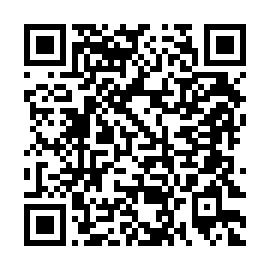
Show QR code
Saved contacts are a snapshot. Revisit this card to download updated details.